
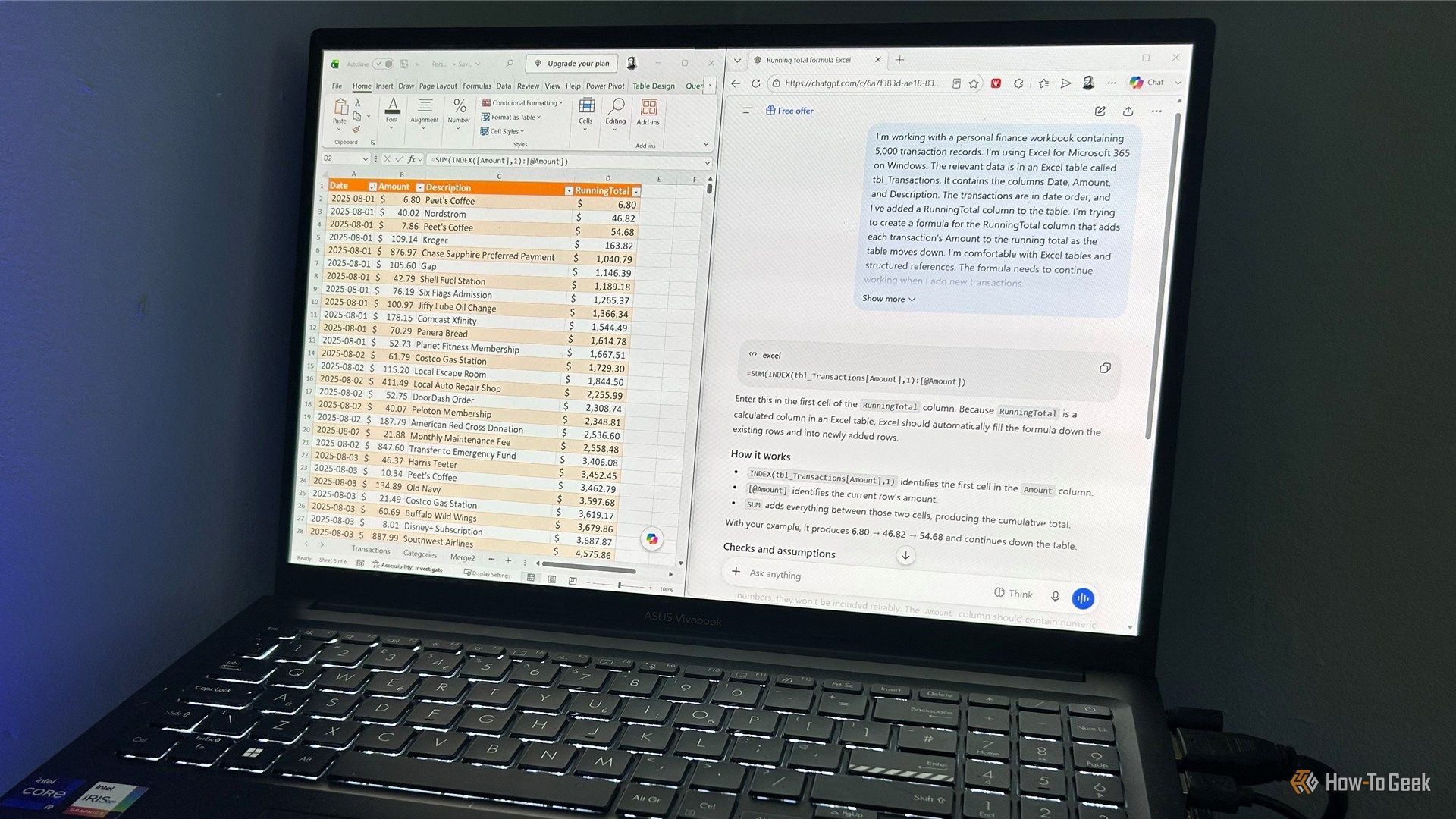
I've recently spent a lot of time testing ChatGPT, Gemini, Claude, and other AI tools with Excel, and one thing stands out: the more relevant detail you give them, the less time you spend correcting their answers. But creating a good AI prompt can take longer than doing the Excel task yourself, and that kind of defeats the point. So, to save you the bother, I've broken down the key parts of a useful Excel prompt so you can build one without starting from scratch.
How-To Geek
AI prompts for Excel can take forever, so I built this 7-step shortcut
Shown as published in the source's RSS feed. IndiaAIFounders doesn't link out to third-party sites — this is the complete detail available from the feed itself.