
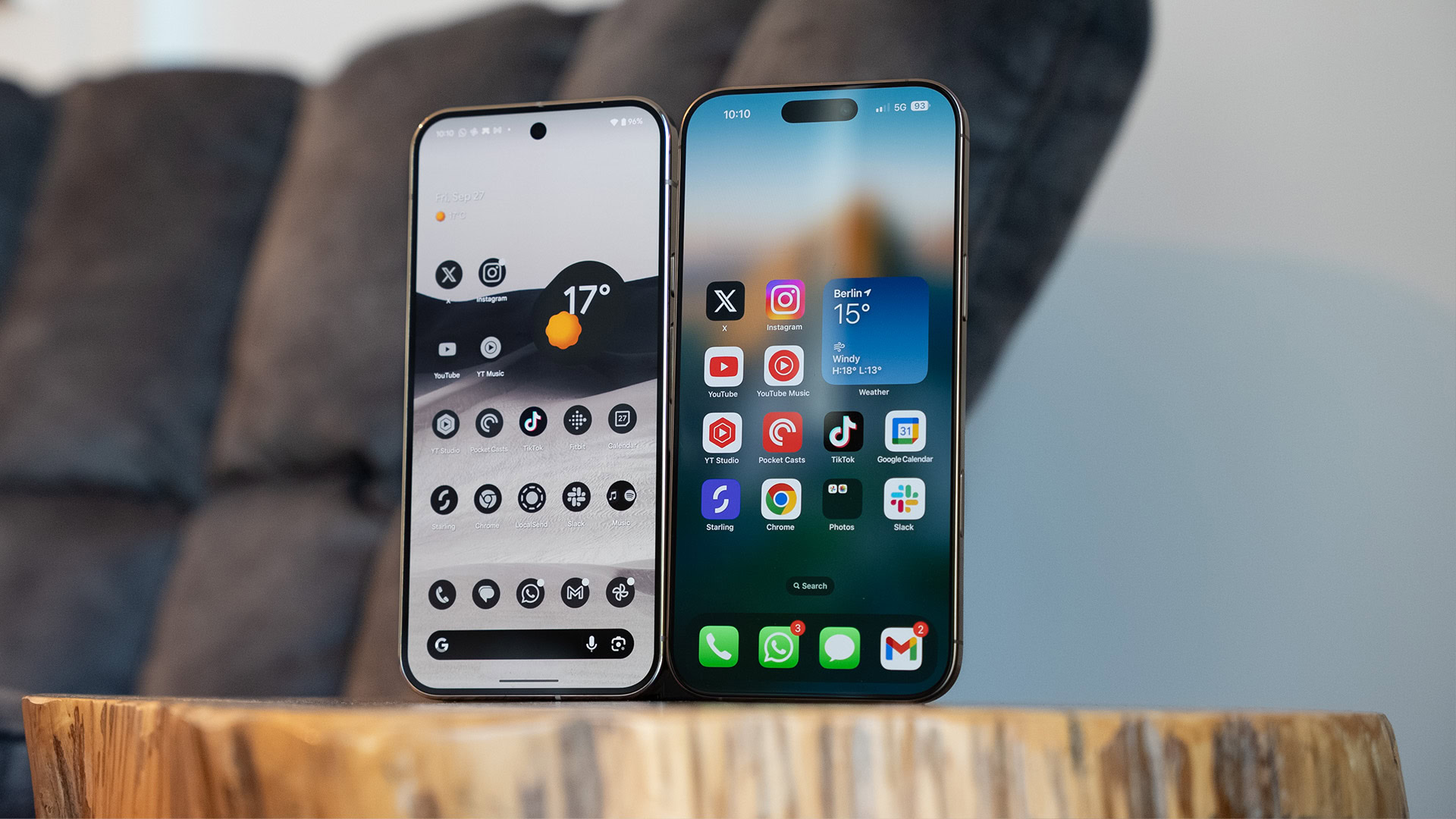
- Android Canary 2611 contains code for a system-wide scroll-to-top feature, similar to tapping the status bar on an iPhone.
- We managed to activate the feature ahead of its release. It worked in Settings and Gmail but not in apps built with Jetpack Compose, like the Play Store.
- Google hasn’t built the exact gesture for it or announced the feature yet, but AndroidX is already being updated to support it. Dormant code for the feature has also appeared in Samsung’s One UI 9.5 Beta 1 for the Galaxy S26 Ultra.
Android phones handle system navigation much better than iPhones, in my opinion, but there’s still one area where iOS manages to eke past Android. If you’ve ever scrolled down a long list on Android, you’d notice you have to scroll or quick-flick your way back to the top. It’s a small gesture you probably don’t think much about, but on iPhones, you can simply tap the status bar to quickly glide straight back to the top. If you’ve ever wished Android could do the same, Google might just be answering your prayers with the new scroll-to-top feature. It’s the latest in a string of iPhone-style conveniences Google is working on, after Android Fast Switch, its apparent answer to Handoff.
APK teardown: This reporting is based on work-in-progress code. These features may not ship.
On iPhones, a quick single tap on the status bar will bring you back to the top of the scroll list. Apple’s developer documentation calls it scrollsToTop, and this gesture works across most iOS apps unless the developer has explicitly turned it off. You can check out the gesture in action in the video below, scrolling through a long app list in the iOS Settings app: