
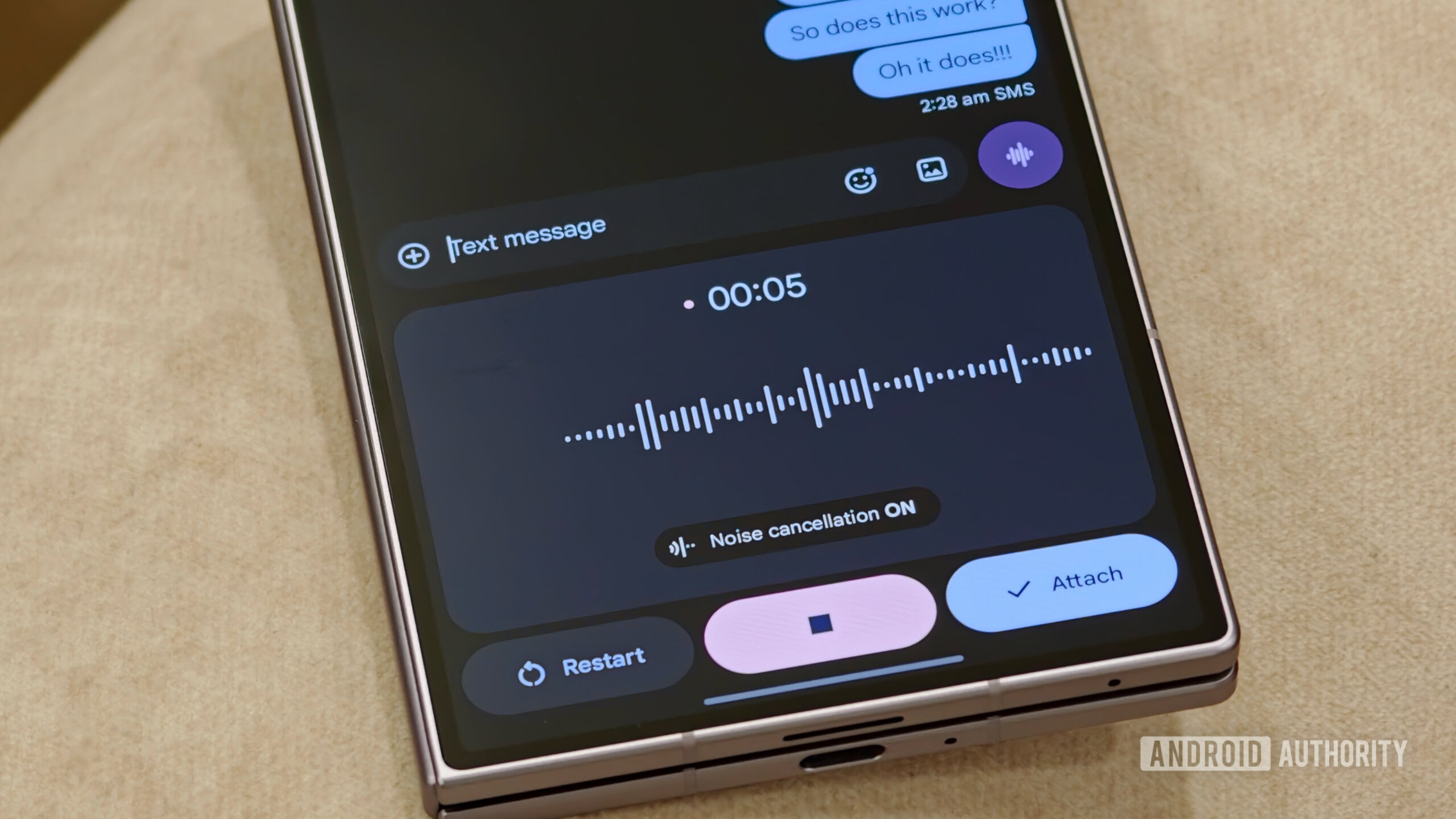
- Google Messages is testing a one-tap voice-recording option in RCS chats to replace the current two-step method.
- While this would be convenient for users who frequently use voice messages, it also raises concerns about accidental activation.
- In some messaging apps like Telegram, starting a voice note currently takes a long press of the dedicated button.
Like most messaging apps, Google Messages also lets you send voice notes in RCS chats. You can start recording a new voice note by tapping the waveform icon and then hitting the large microphone icon. Alternatively, you can also long-press the waveform icon to begin a voice message. However, a future Google Messages update could change this.
In the latest Google Messages beta (messages.android_20260921_01_RC00), we’re seeing work towards a change that would let voice messages be initiated with a single tap, possibly to make the tool easier to access. Here’s what the current interface looks like: