
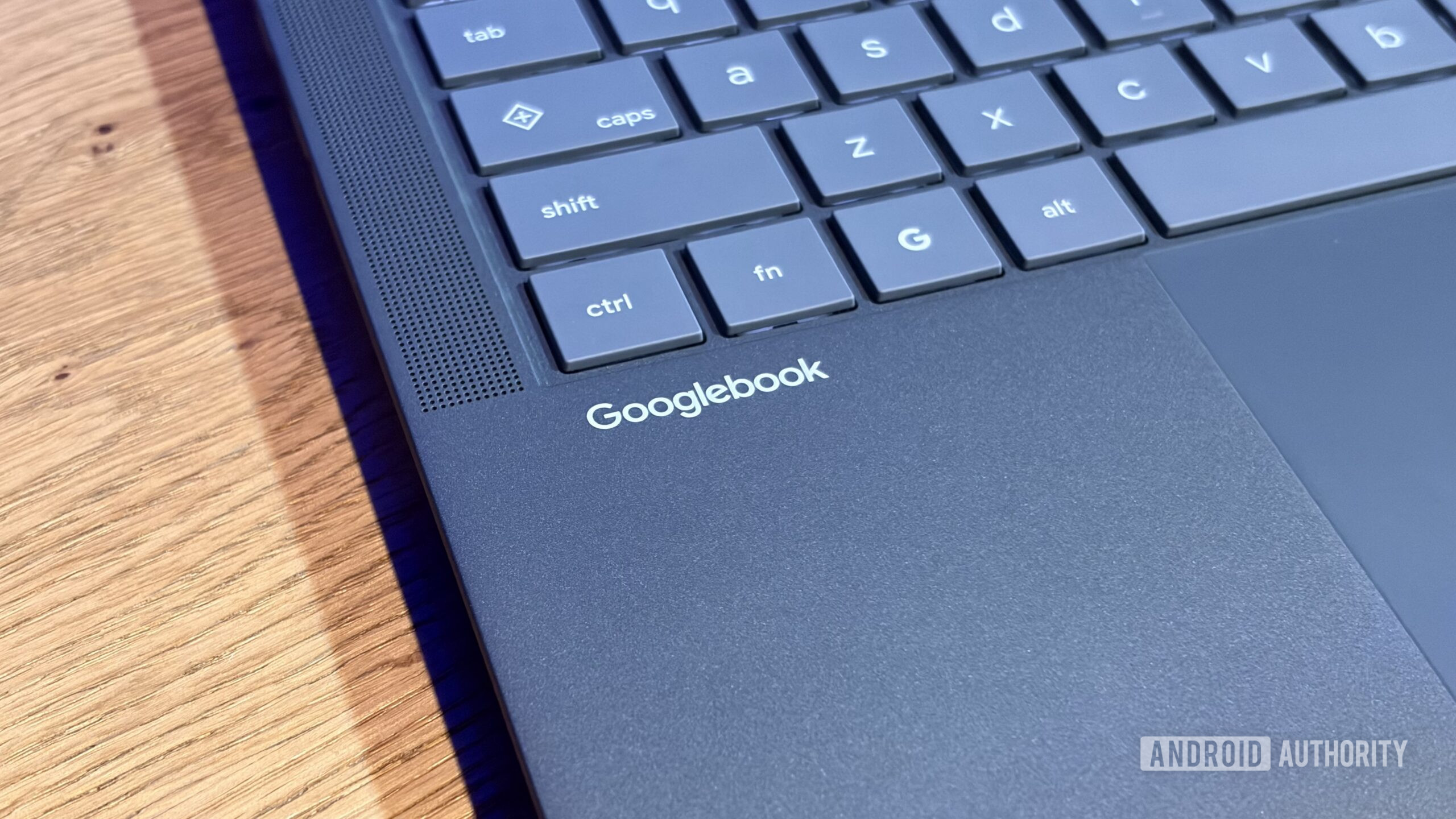
- The first wave of Googlebooks all have a Quick Insert key that replaces the dedicated Caps Lock key.
- A Google representative has confirmed that this button can’t be remapped right now.
- You have to hold the function key and tap the Quick Insert button to activate Caps Lock, or use the Shift key instead.
One of the most notable hardware changes on Googlebooks is that they all have a Quick Insert key. This lets you seamlessly add clipboard items, emojis, and GIFs, while providing access to translation functionality and voice typing. Unfortunately, this comes at the expense of a dedicated Caps Lock key, and it turns out you can’t actually remap this new key.
Googler Mishaal Rahman confirmed in response to a Reddit query that Googlebook OS doesn’t let you remap the Quick Insert button just yet: