
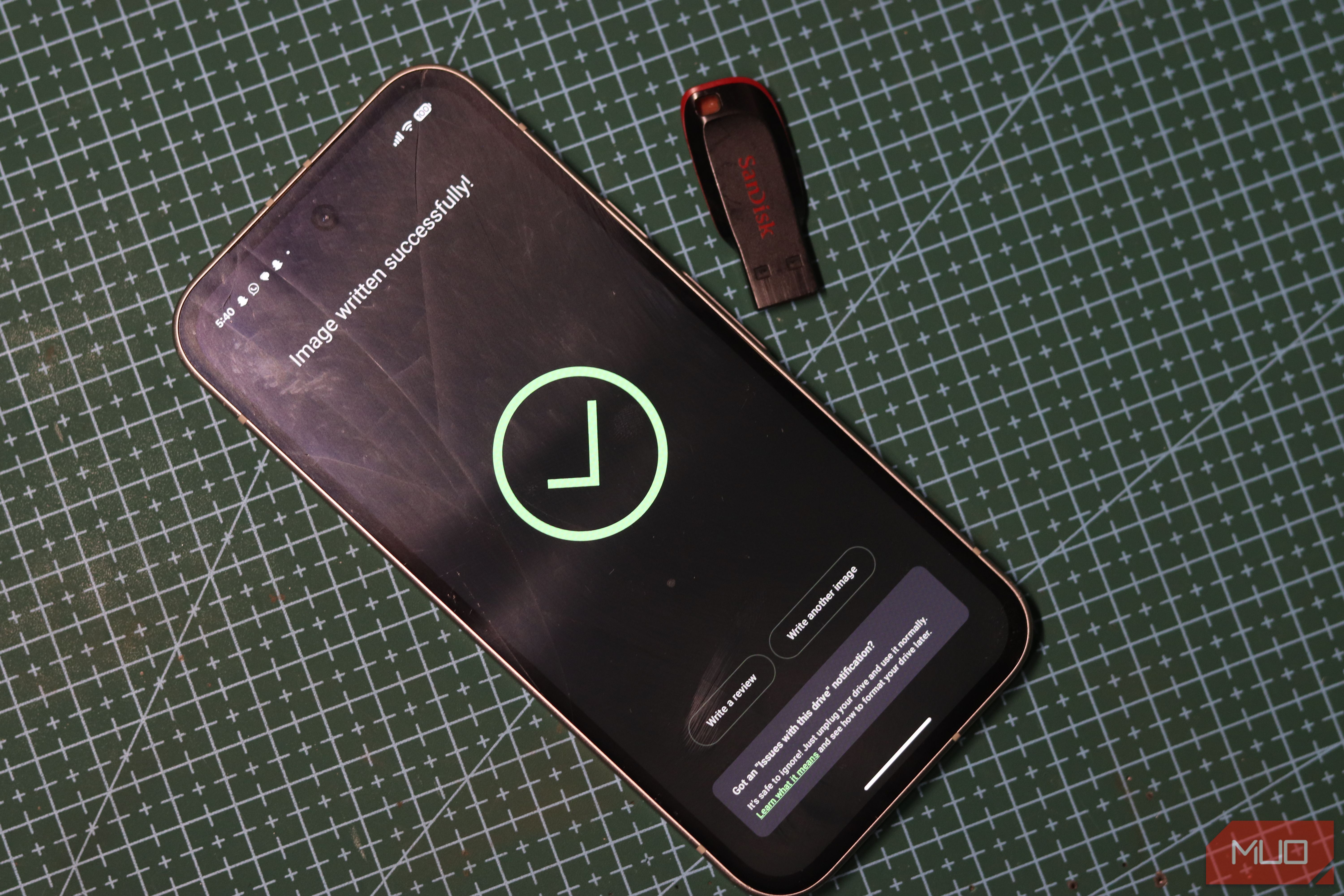
Imagine your only PC refuses to boot, and a deadline is closing in, so you think of making a bootable USB to get your computer running, except every guide tells you to make a bootable USB on another computer. You don't have another computer. If you're ever in such a situation, the phone in your pocket can come in handy. With a free, open-source app like EtchDroid and a cheap OTG adapter (or a USB-C flash drive), you can write a Linux installer to a flash drive in minutes. You don't need a PC or even root access; just the regular Android smartphone will do.
MakeUseOf
How to make a bootable USB drive on Android without a computer
Shown as published in the source's RSS feed. IndiaAIFounders doesn't link out to third-party sites — this is the complete detail available from the feed itself.