
If your PC feels slow and you're stuck with a puny 250GB NVMe system drive, a system cleaner can help you clean up some junk files and free up storage. If you don't know where to look, you'll also need a disk analyzer like TreeSize to find the large files you can delete. And keeping tabs on your startup apps can help your PC boot faster, so you'll need another app to manage startup apps that are not listed in the Windows Task Manager.
MakeUseOf
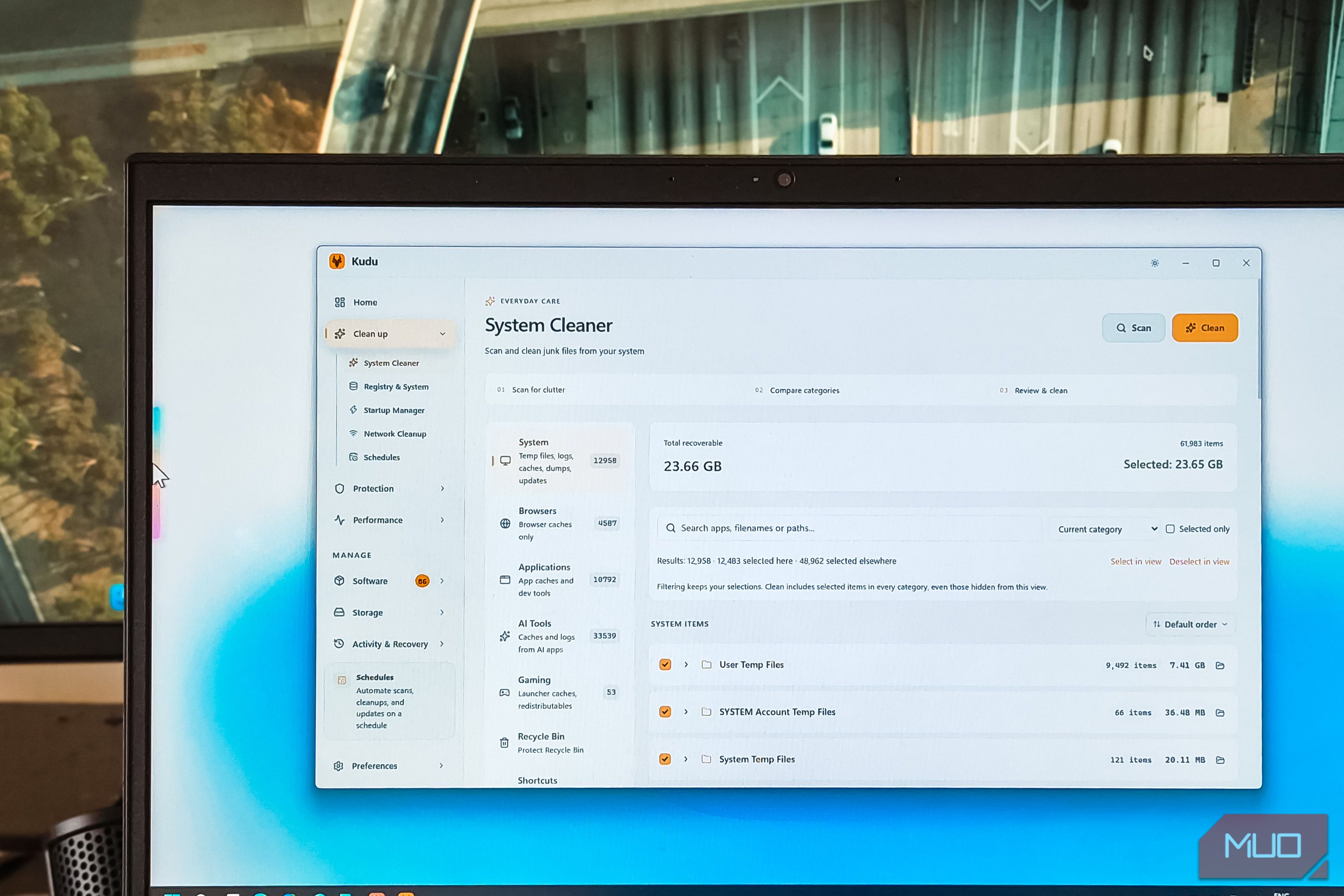
One open-source app replaced my cleaner, uninstaller, startup manager, and disk analyzer
Shown as published in the source's RSS feed. IndiaAIFounders doesn't link out to third-party sites — this is the complete detail available from the feed itself.