
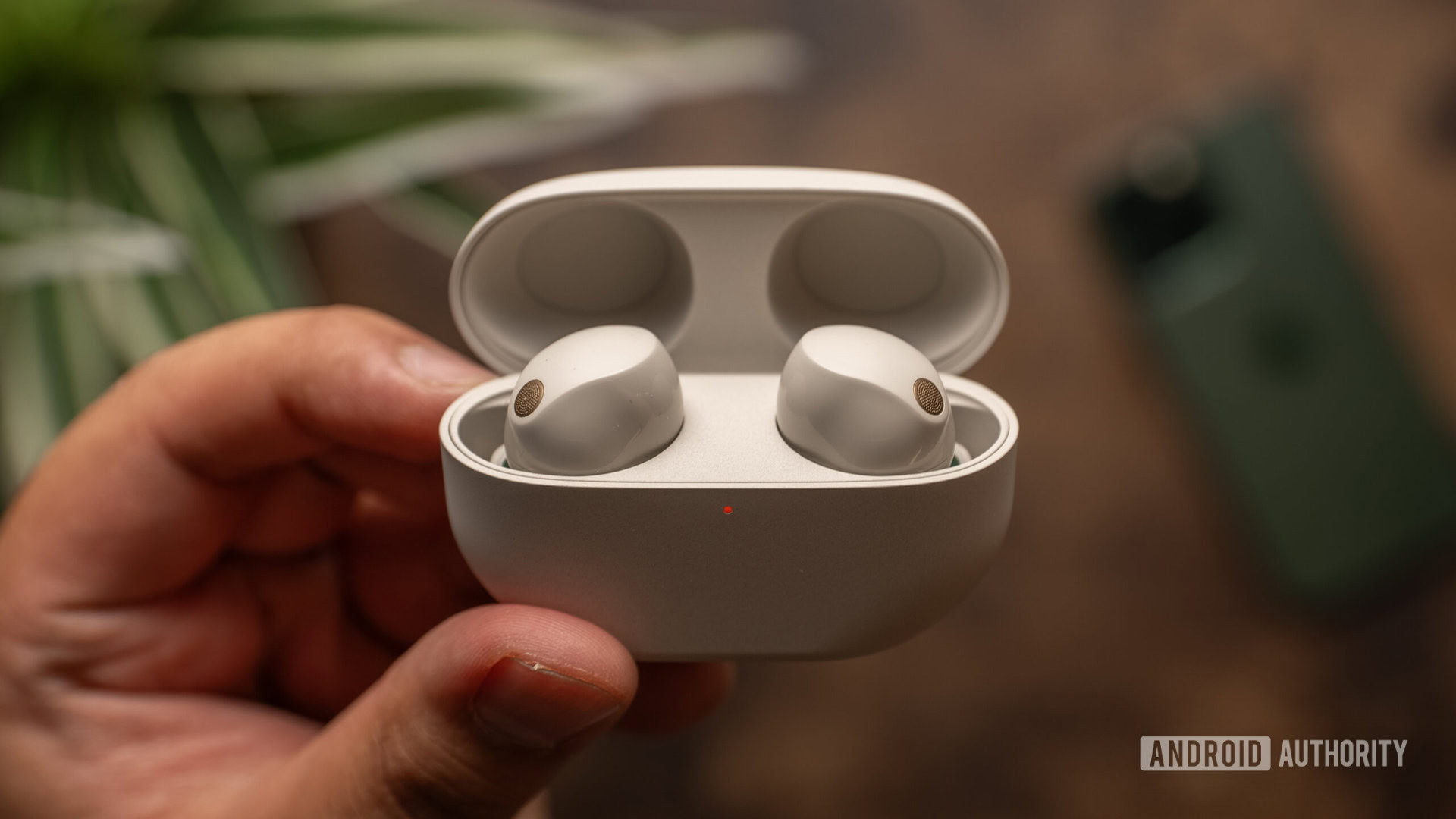
- Getting the most out of Sony headphones and earbuds means relying on the company’s phone app to adjust audio settings.
- Now some open source projects attempt to unofficially bring that same level of control to your PC.
- They let you control ANC, tweak your equalizer, and adjust many more audio options.
Being able to control devices through apps on our phones is a bit of a double-edged sword. Sure, apps can open up tons of new features, and being able to configure devices remotely lets manufactures simplify hardware designs. But the flip side there is that making even basic changes means that we need our phone — and that’s not always handy. If you’ve ever wished that you could didn’t have to keep turning to Sony’s smartphone app to tweak your headphones, we’ve got some good news to share.
Sony earbuds and headphones rely on the company’s Sound Connect app to adjust all manner of settings, from noise cancelation to equalizer options. But what do you do if you’re gaming at your PC and want to change some of those, but your phone’s off in another room? With the unofficial Sony Device Center open source project, you’re now free to adjust all those options to your heart’s content, right from your computer.